Every puzzle, every sitting.
Keep your whole puzzle collection in one place, tap play when you sit down, and see how fast you really puzzle. Pieces per hour, personal bests and a year in review build up as you go.
For iPhone, iPad and Apple Watch. No account, no ads, no tracking.
Everything on the puzzle table
From the box on the shelf to the last piece.
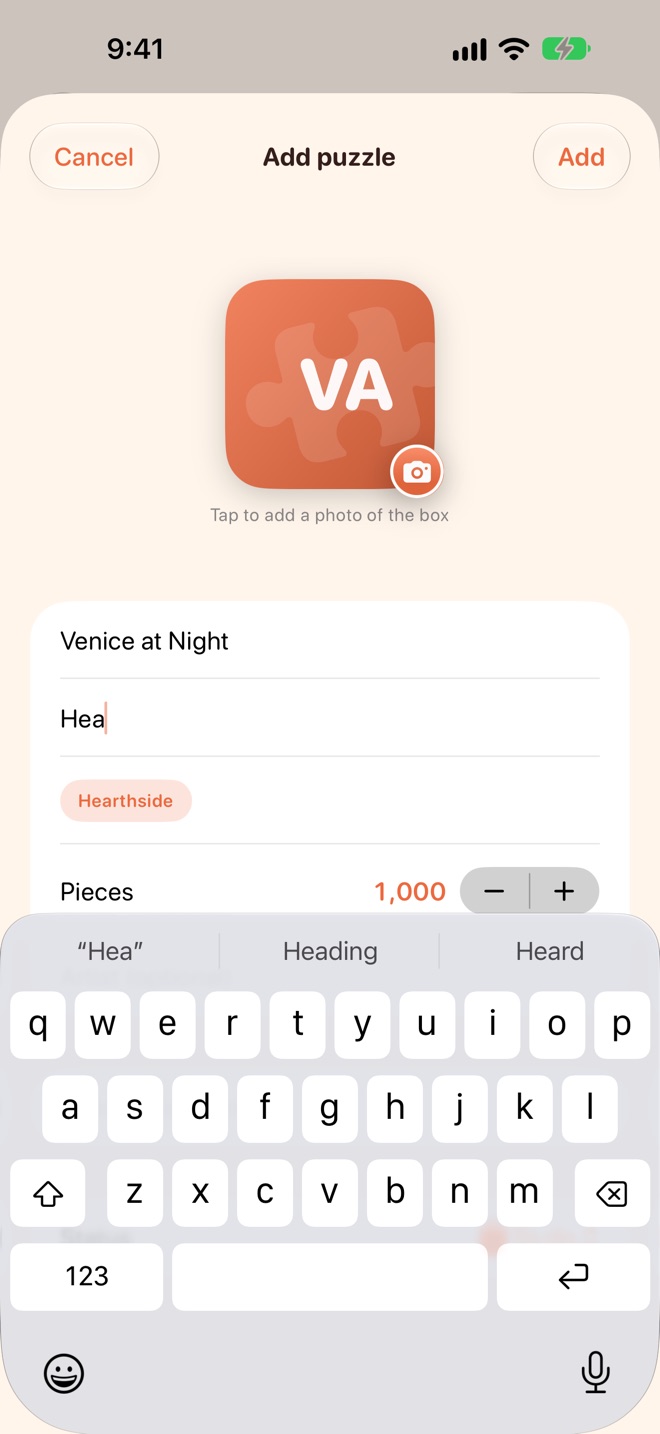
Your collection
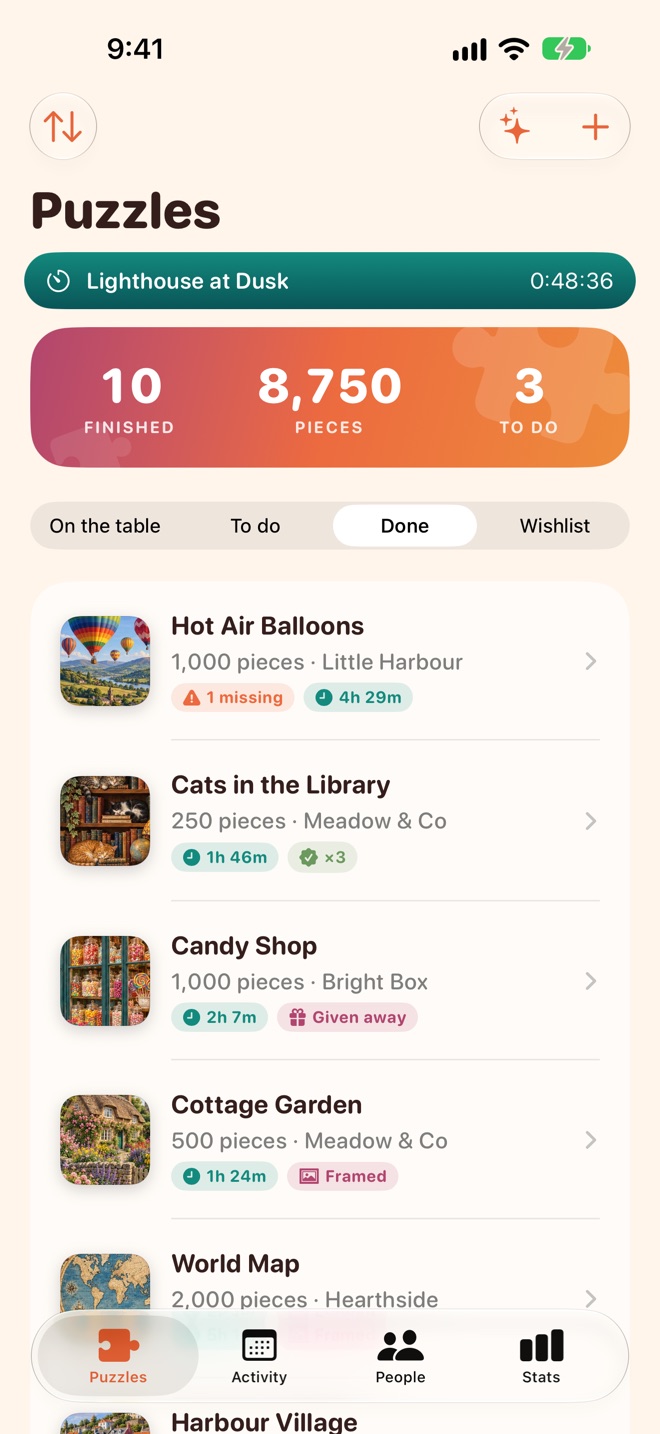
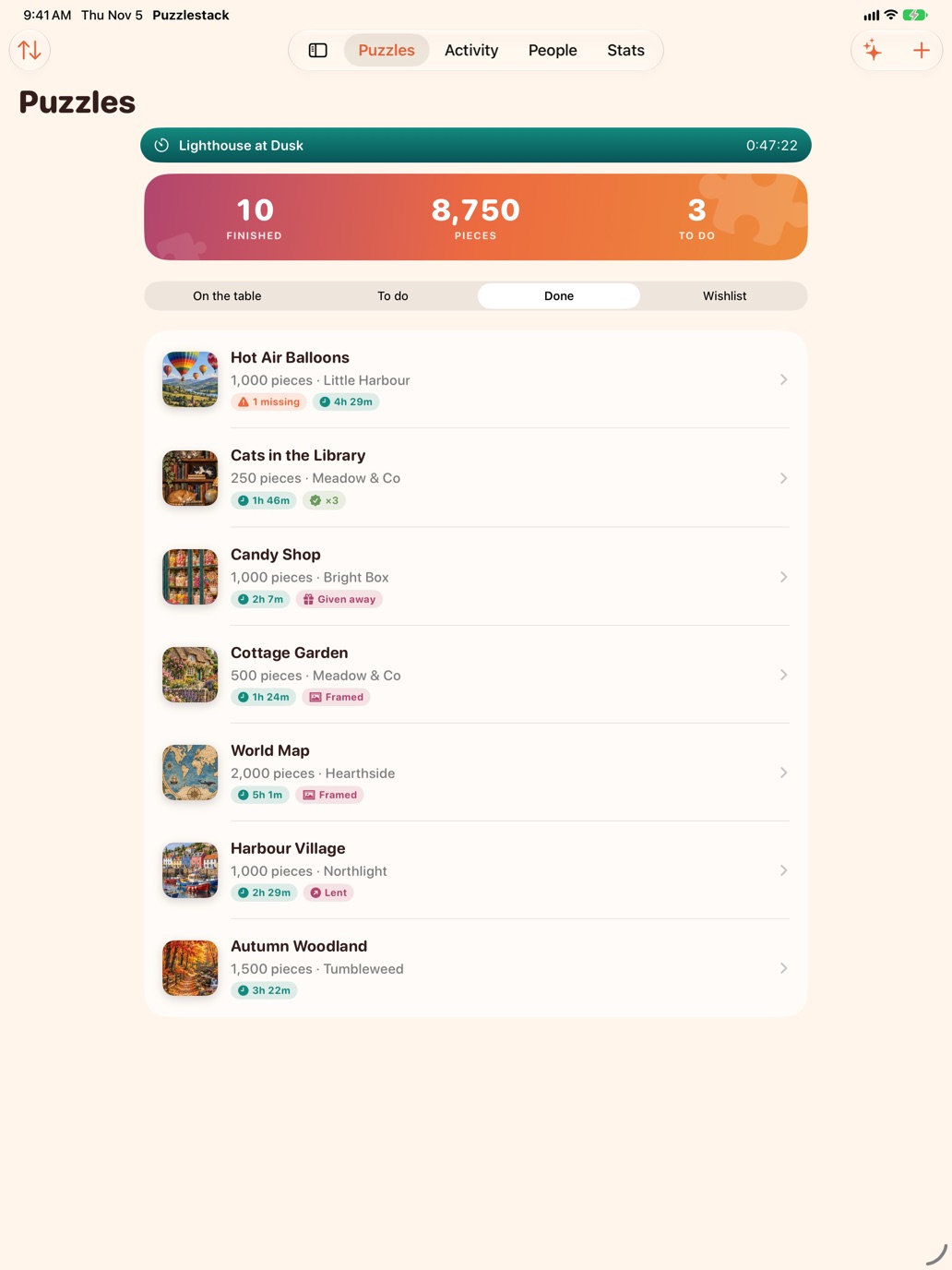
On the table, To do, Done and Wishlist. Add a puzzle by scanning its barcode or typing it in, and snap the box so you know which is which.
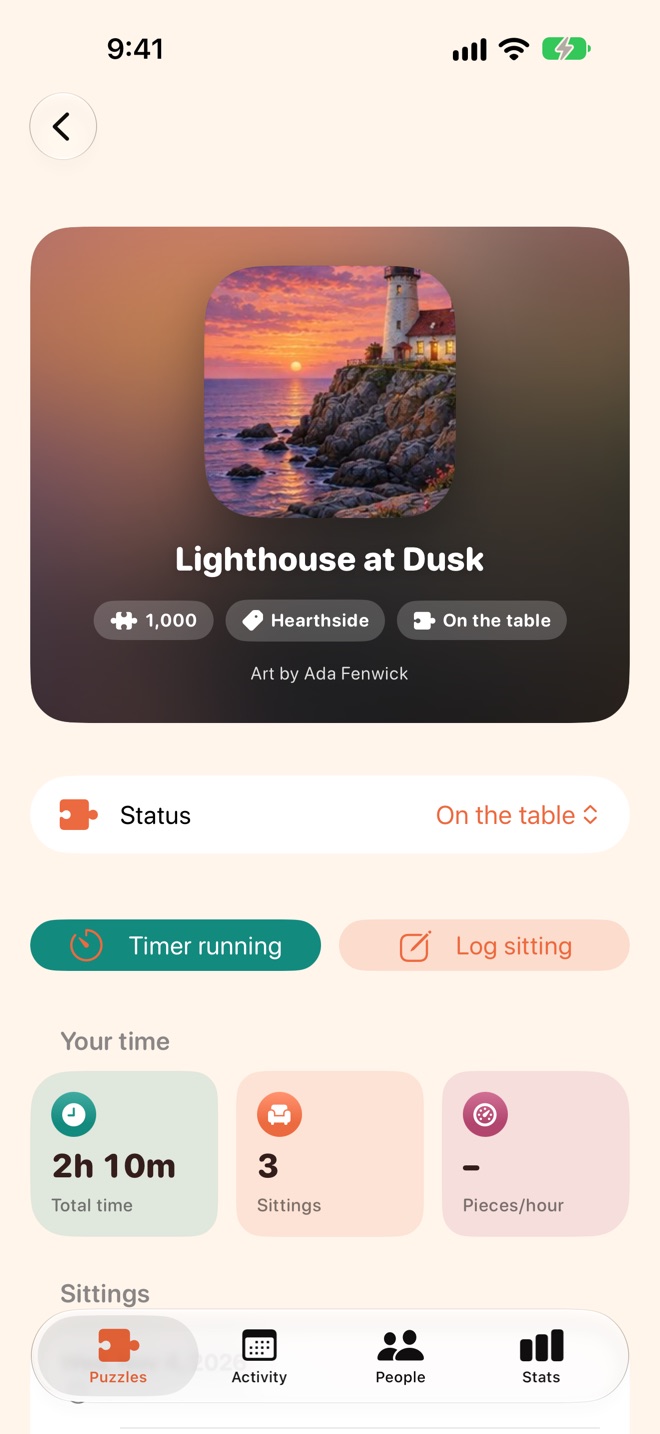
Time every sitting
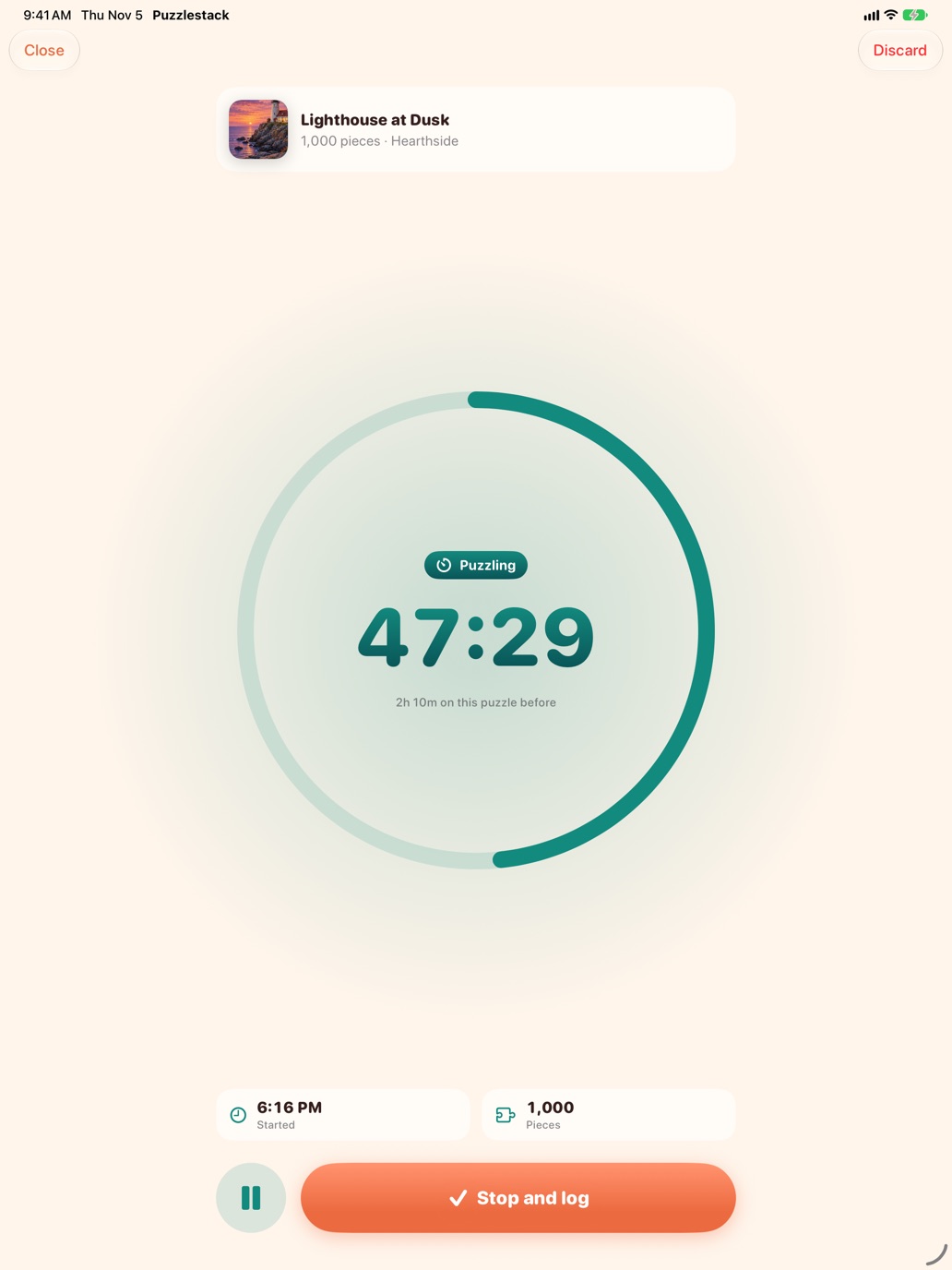
Tap play when you sit down. The timer keeps going with your phone locked or the app closed, and fills in the time when you stop.
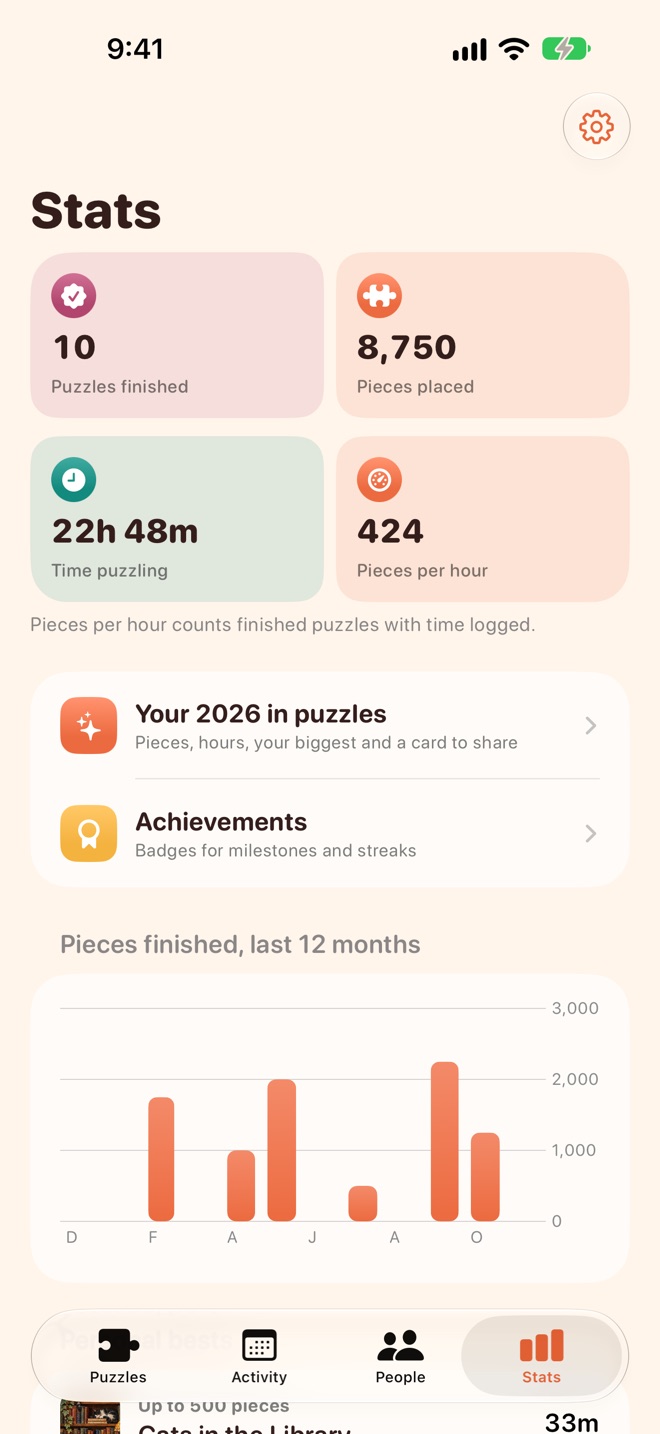
Pace and personal bests
Pieces per hour, hours spent and your quickest 500, 1000, 1500 and 2000+ piece puzzles.
Every detail
Missing pieces, star ratings, who puzzled with you, progress photos, and whether it's boxed, framed, lent out or given away.
Never buy it twice
Scan a box in the shop and Puzzlestack tells you if it's already on your shelf.
Puzzlestack Pro
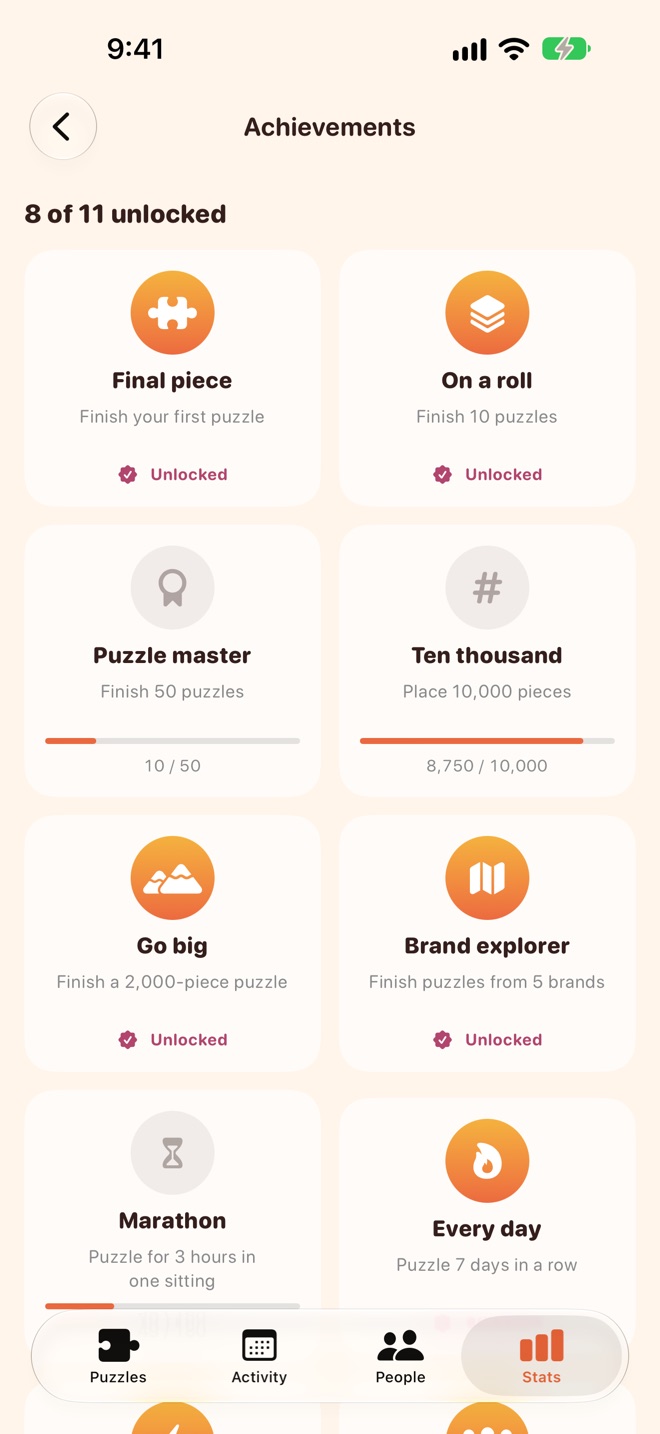
Unlimited puzzles, sittings and iCloud sync are free. One purchase with Family Sharing unlocks year in review, achievements, trends, What next, widgets and CSV export.
A timer made for long sittings
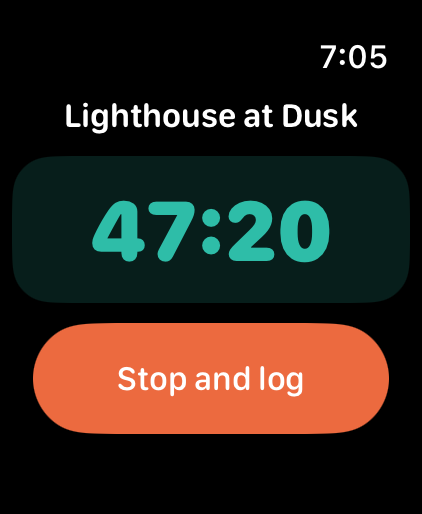
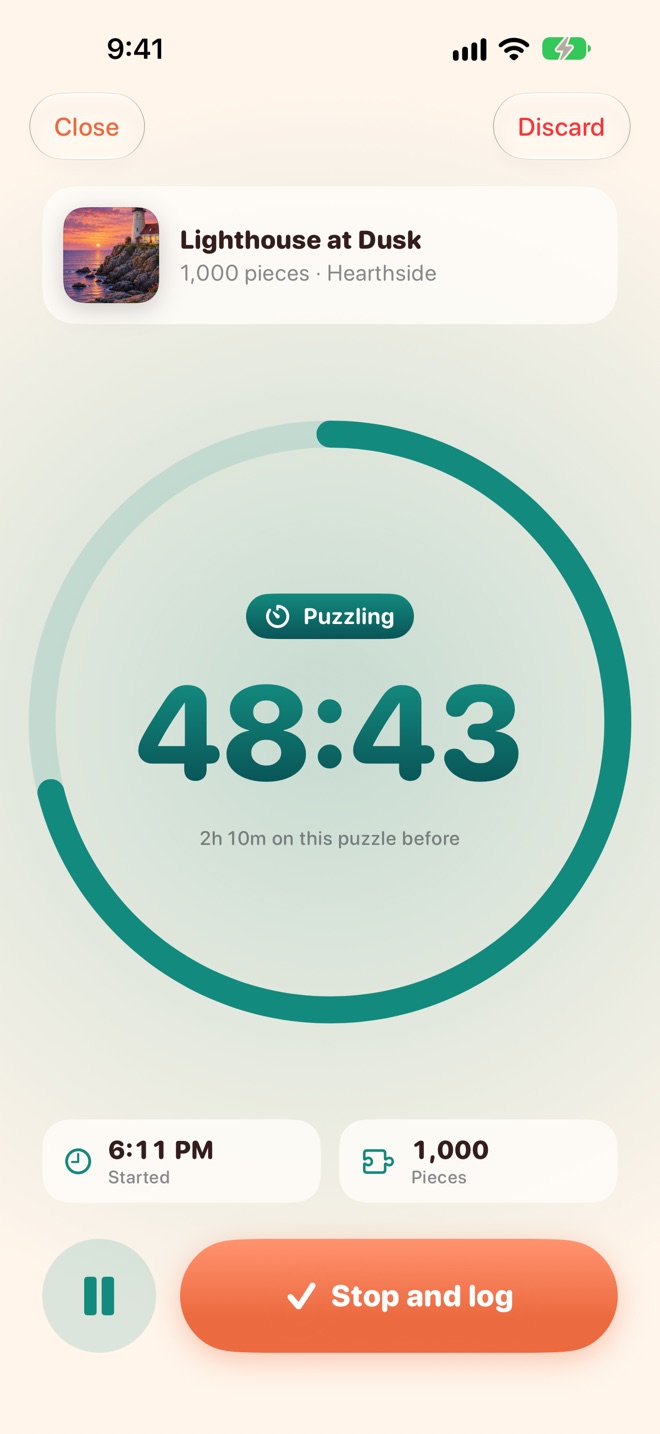
Start a sitting on your iPhone, iPad or Apple Watch, put the kettle on, and come back hours later. It's all still counting.
- Pause for tea, resume when you're back
- Stop and log, with the time filled in
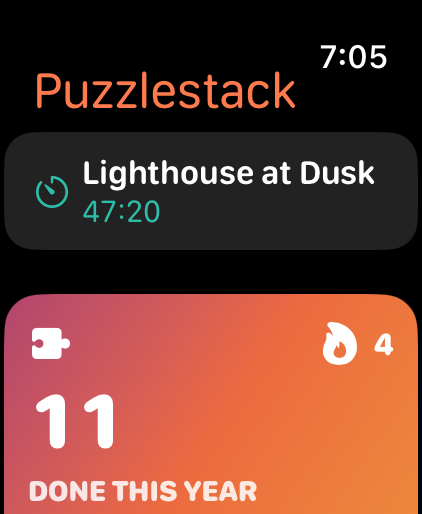
- Start and stop from your wrist
Your puzzles, synced privately
Your puzzles, sittings and photos sync between your devices through your own iCloud account. No sign-up, no analytics, no ads, and we can't see any of it. Read the privacy policy.
Support
Answers to common questions, and a real person if you need one.
Get help
Found a bug, or have an idea? Email with your device and iOS version, and what happened. I usually reply within a couple of days.
[email protected]Where is my data kept?
On your devices and, if iCloud is on, in your own private iCloud account, which keeps your iPhone and iPad in sync. We can't see it. With Puzzlestack Pro you can also export your puzzles and sittings as CSV from Stats › Settings.
Does the timer keep going if I close the app?
Yes. The timer saves when it started, so it carries on while your phone is locked, the app is closed or you restart your phone. A bar at the top of Puzzles shows it's running.
Why didn't a barcode fill anything in?
Barcode details come from a public product database, which doesn't know every puzzle. If nothing comes back, type the title, brand and piece count in. It only takes a moment.
How do I restore Puzzlestack Pro?
Open Stats › Settings and tap Restore Purchases, using the Apple Account you bought it with. Pro works with Family Sharing, so up to five family members get it too.
My puzzles aren't syncing
Check you're signed in to the same iCloud account on each device, and that iCloud is on for Puzzlestack in Settings › [your name] › iCloud. Changes sync once you're back online.
How do I use the Apple Watch app?
Install Puzzlestack on your watch from the Watch app on your iPhone, then open Puzzlestack on your iPhone once so your puzzles appear. Pick a puzzle on your wrist to start a sitting.