
Features
Everything you need to keep count
Big buttons, instant taps and the numbers that matter, right where you need them.
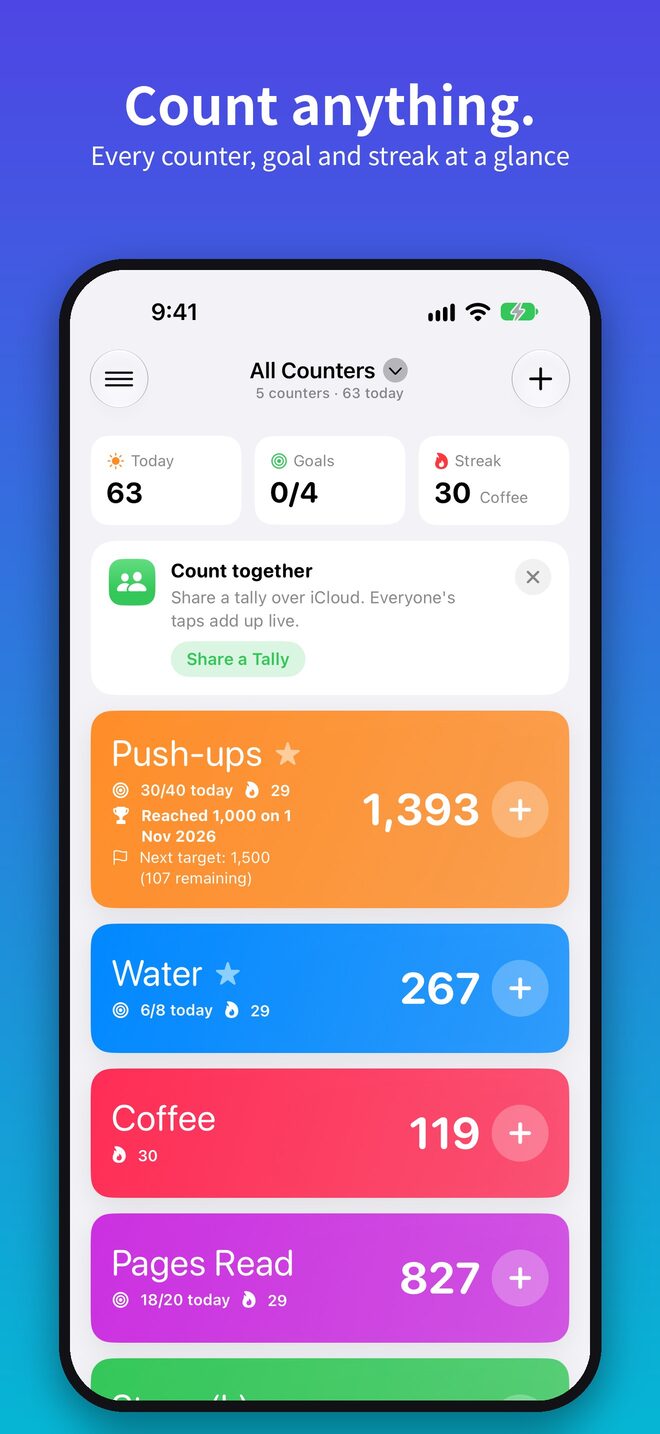
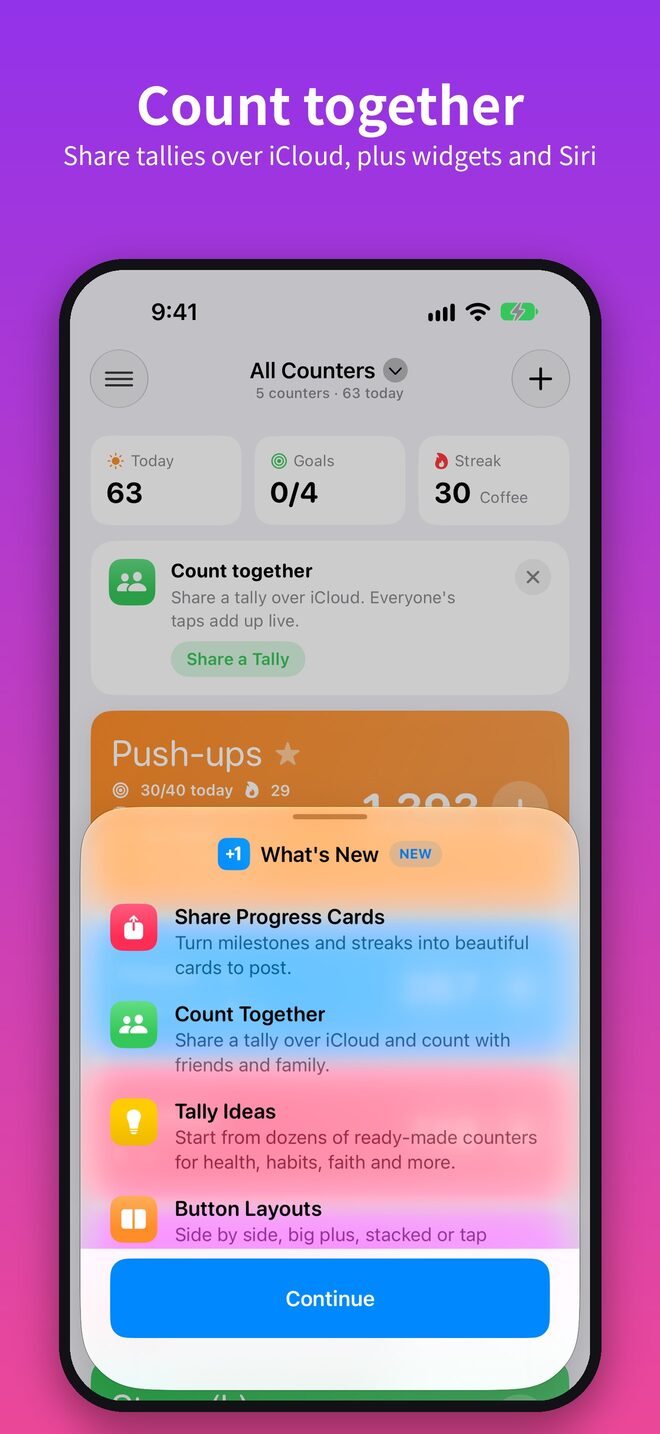
Count together
Share a tally over iCloud. Everyone's taps add up on every device within seconds.
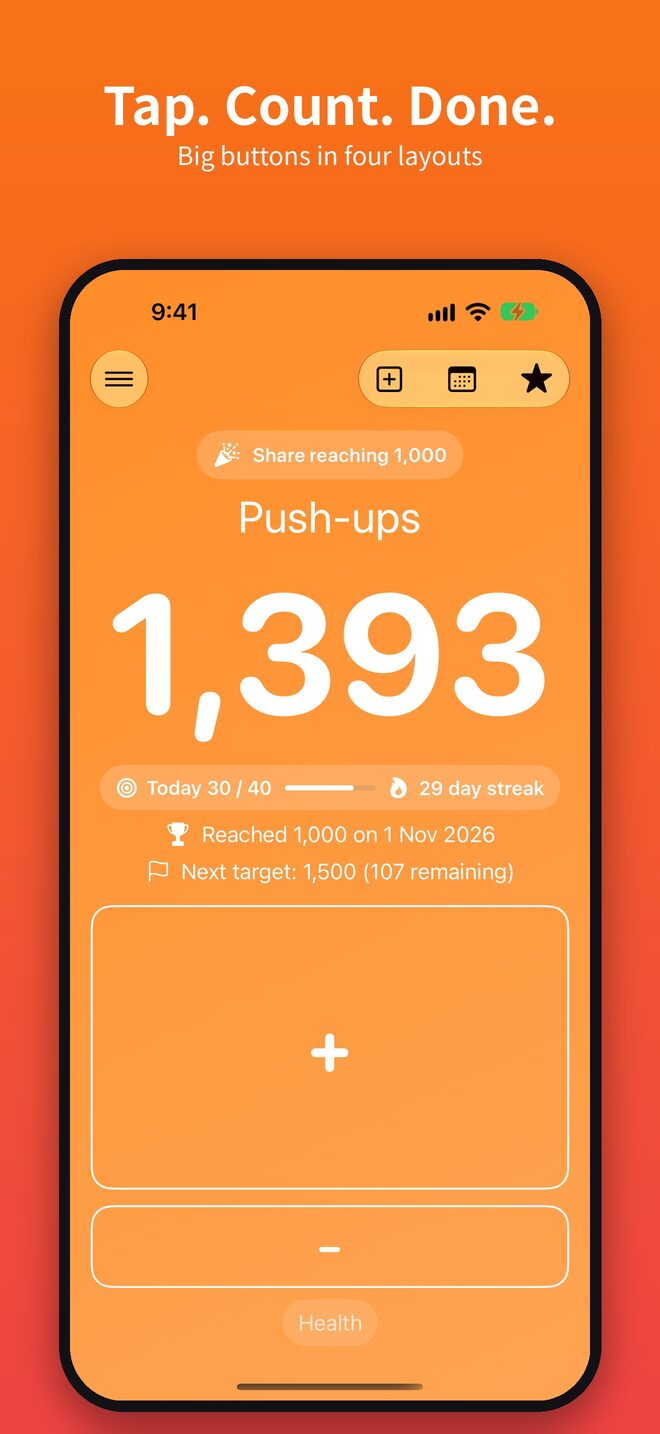
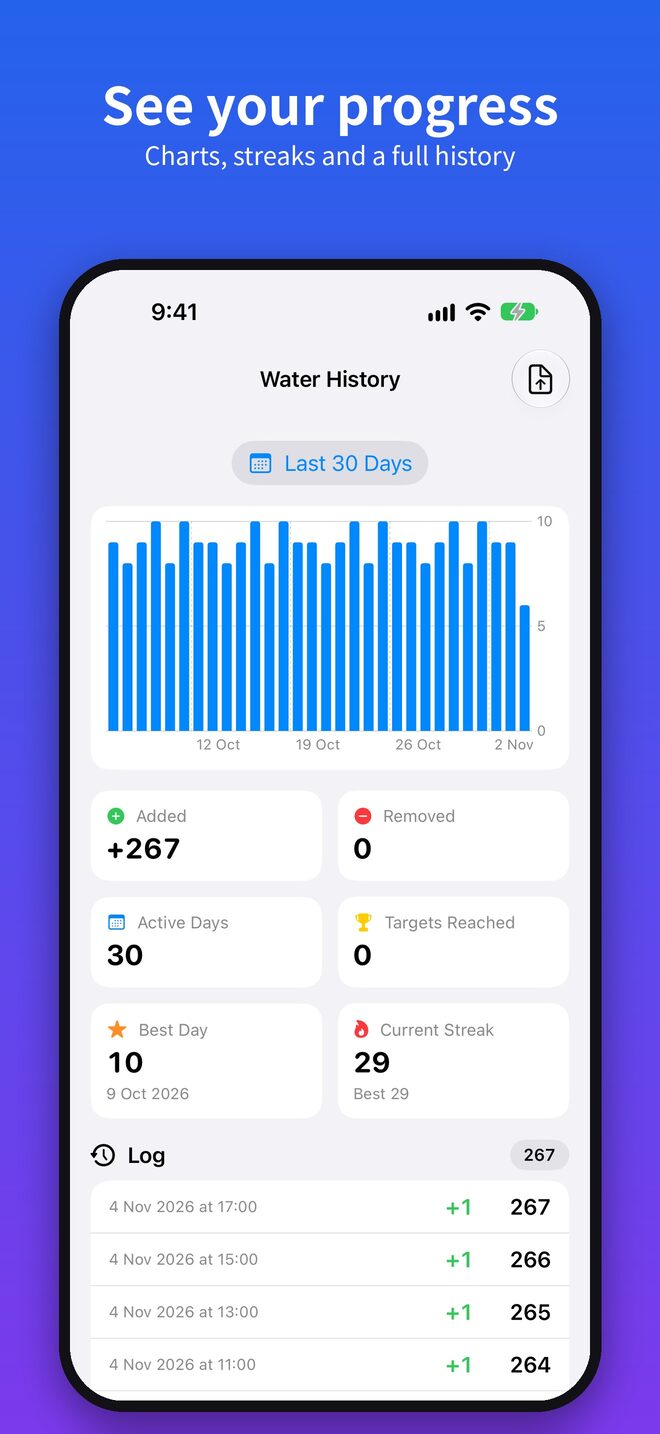
Goals and streaks
Give a counter a daily goal and keep your streak going day after day.
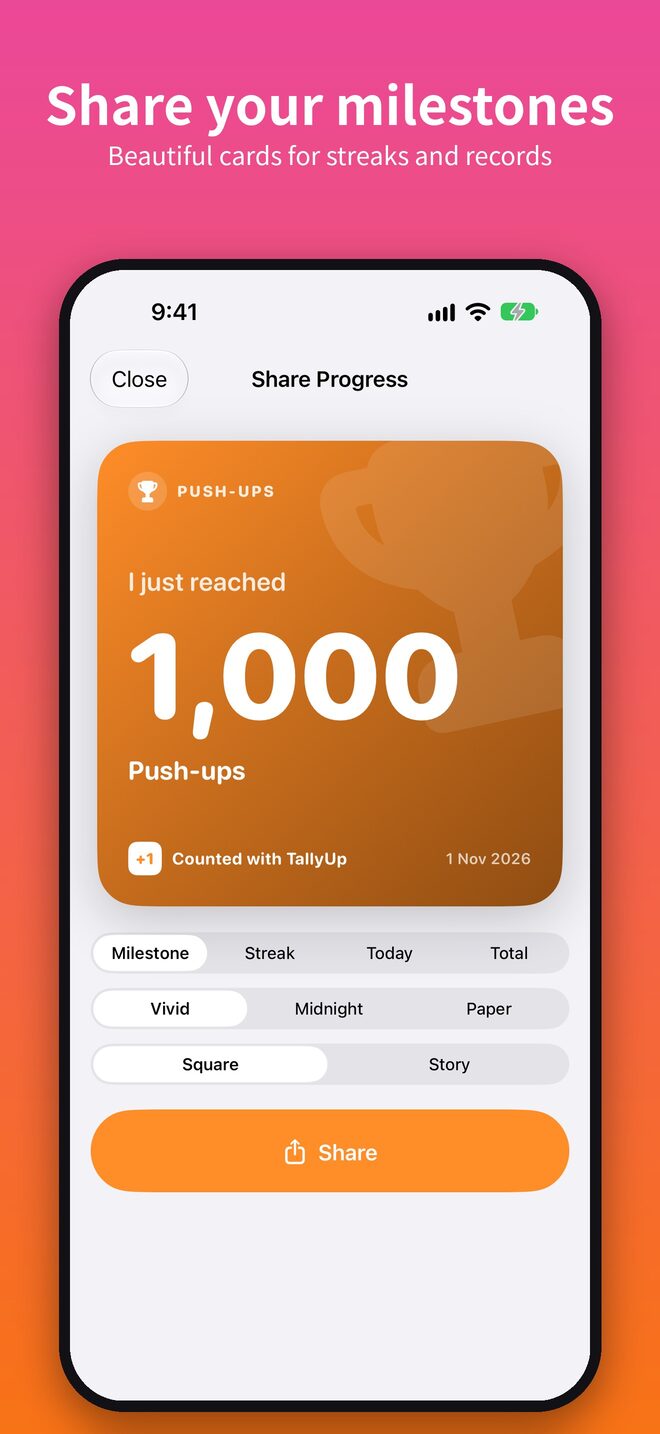
Targets
Aim for milestones like 1,000 and get a share card when you reach them.
Progress cards
Turn milestones and streaks into good-looking cards for stories or posts.
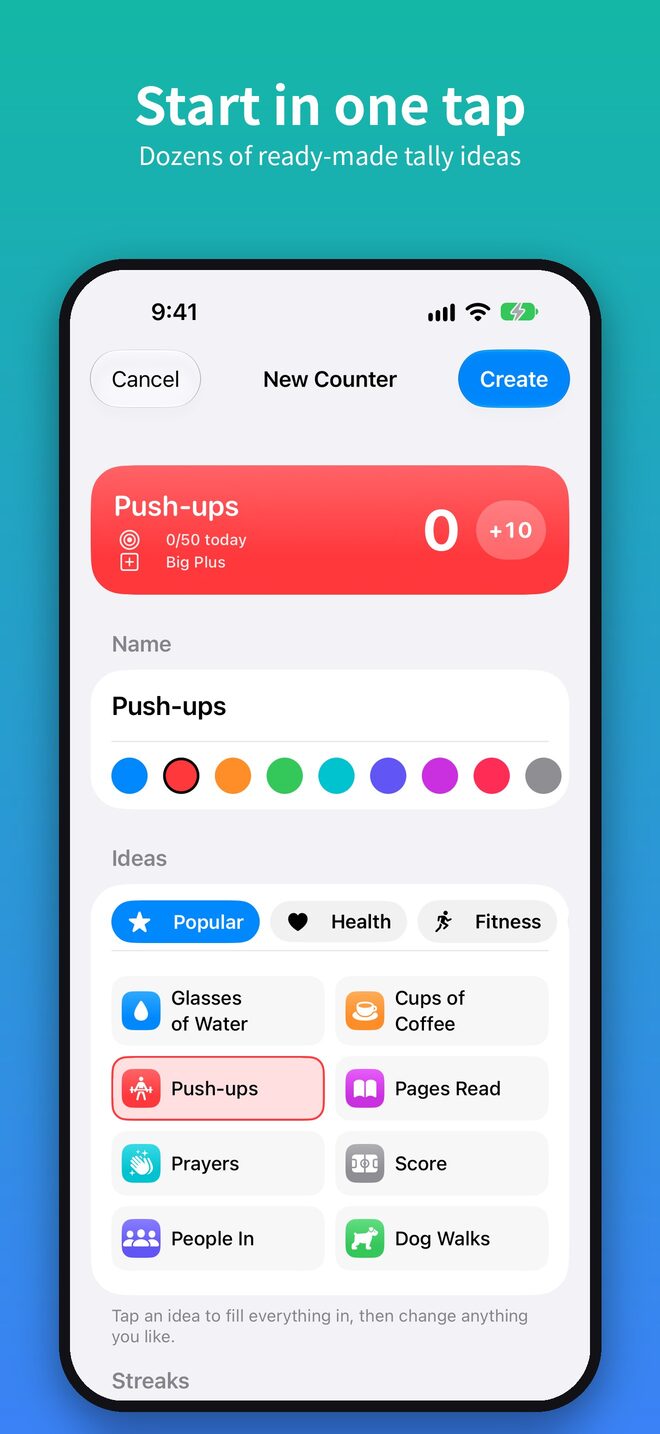
Tally ideas
Start from ready-made counters for water, workouts, reading, prayers, scores and more.
Your layout
Side by side, big plus, stacked or tap anywhere. Pick the buttons that suit what you count.
Take a look
Made for one-handed counting
New in 4.0
Count together, live
Keep score at game night, count stock with a colleague or track the family's water. One tally, every phone and iPad.
- Touch and hold a counterOn Home, tap Count Together.
- Send the inviteUse Messages, Mail or a link. Both of you need iCloud.
- Tap awayCounts, targets and settings stay in sync for everyone.
Everywhere
Count without opening the app
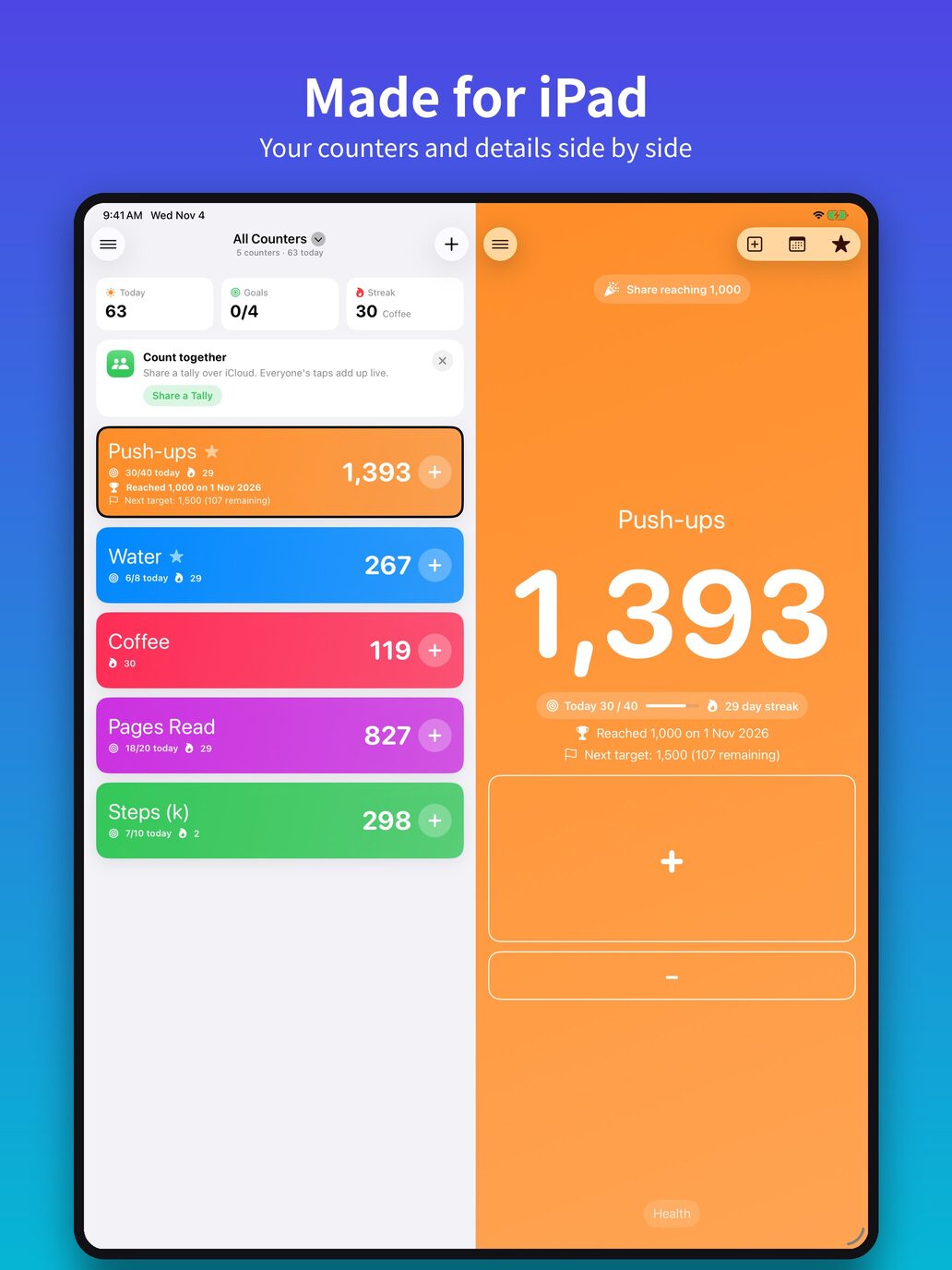
Add a count from wherever you are, and get the full split view on iPad.
Free for up to 3 counters. Unlock unlimited counters with a one-off purchase.
Support
Questions, answered
How do I get help?
Email [email protected]. We usually reply within a couple of days.
How do I count together with someone?
Touch and hold a counter on Home, tap Count Together and send the invite. Both of you need to be signed in to iCloud.
My counters aren't syncing
Check you're signed in to the same iCloud account on each device and that iCloud Drive is on for TallyUp in Settings. Changes sync once you're back online.
Can counters reset on a schedule?
Yes. Choose a daily, weekly or monthly automatic reset in the counter's settings.
How do I restore TallyUp Pro?
In TallyUp, open Settings and tap Unlock unlimited counters, then tap Restore Purchases. Use the Apple ID you bought it with. Pro works with Family Sharing, so up to five family members get it too.
Still stuck, or have an idea?
Feature requests and bug reports are always welcome.
[email protected]